
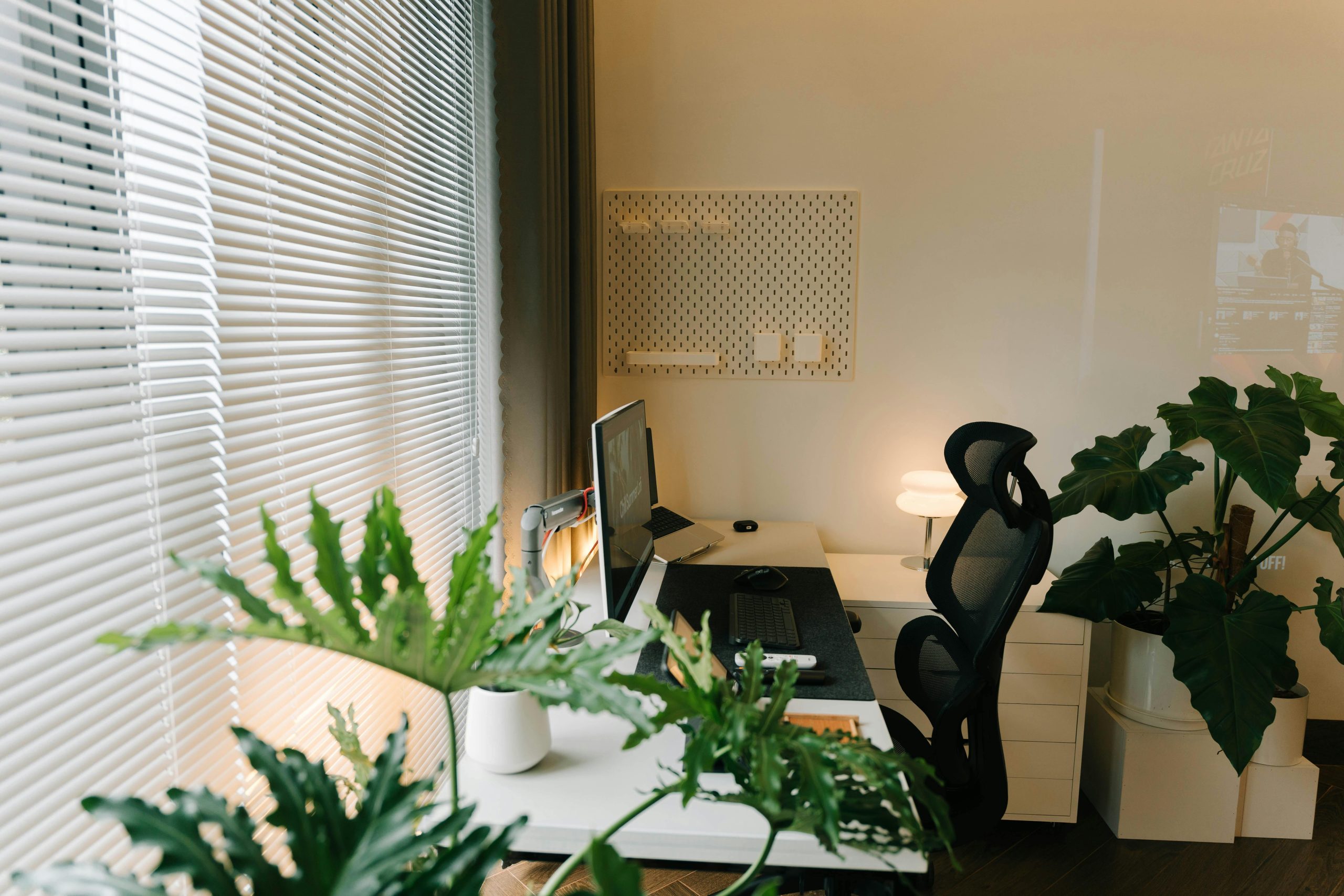
Budding entrepreneurs often discover that the hardest part of early client meetings isn’t the work itself; it’s earning trust fast when the business is still new. A cluttered corner, bad lighting, or a distracting background can make virtual meetings feel shaky and in-person visits feel improvised, even when the service is solid. A professional workspace quietly answers the questions clients never ask out loud: Is this person reliable, organized, and ready to deliver? With the right home-based office setup, client meetings start with credibility, and that confidence can translate into business success.
Set Up a Client-Ready Home Office in 5 Steps
Here’s how to move from plan to action.
This simple process helps you turn whatever space you have into a calm, client-ready office that looks intentional on camera and feels easy to work in. It matters because when your setup is consistent, your meeting prep gets lighter and your professionalism shows up before you even speak.
- Step 1: Choose a low-distraction location
Start with a spot you can control, ideally away from the busiest foot traffic and household noise. Pick the most remote area because fewer interruptions make you look more present, and it helps you think clearly when you are on the spot with a client. - Step 2: Map your layout around your workflow
Stand in the space and decide where your desk, chair, and meeting background will go before you buy anything. Put your desk where you can sit comfortably, reach essentials without twisting, and keep your camera facing a clean, simple wall or shelf. - Step 3: Optimize storage so surfaces stay clear
Aim for a “reset in 60 seconds” setup: everything has a home, and your desktop stays mostly empty. Small-space staples like modular desks, wall-mounted shelves, and compact storage units help you store gear and paperwork without making the room feel crowded. - Step 4: Pick a clean, repeatable visual style
Choose one main neutral color, one accent color, and one texture (wood, metal, or fabric), and repeat them across a few items. Keep decor minimal and purposeful, like one plant and one framed print, so your background reads as tidy rather than busy. - Step 5: Add meeting-first equipment and a pre-call routine
Prioritize the basics that clients notice immediately: stable internet, good lighting facing you, a comfortable chair, and a reliable mic or headset. Then create a two-minute checklist you run before every call: clear the desk, close extra tabs, and set one notebook and pen in the same place.
A polished space makes it easier to stay steady when surprises hit.
Protect Meetings From Surprise Breakdowns at Home
Once your office looks and runs smoothly, the next thing to protect is the meeting itself, because home systems don’t always fail on a convenient schedule.
If your power flickers mid-pitch or your HVAC quits right before a client visit, the most professional move is being ready for the unexpected. Investing in a home warranty can help protect your business when unforeseen electrical or home system issues disrupt your workday and derail client-facing activities. A home warranty is an annual renewable contract that can help cover breakdowns to your heating, cooling, electrical, and plumbing systems. If you’re exploring coverage, compare home warranty plan options so a surprise repair doesn’t turn into a canceled call.
With the “what if something breaks?” worry handled, you can focus on quick upgrades that make your virtual presence feel just as polished as your space.
Polish Your Virtual Presence With 7 Quick Upgrades
A home office can be perfectly “lived-in” and still look client-ready on camera. These quick upgrades help you control your virtual meeting ambiance, look consistent day-to-day, and stay calm when home life tries to interrupt.
- Set one “meeting light” you can switch on in 10 seconds: Put a lamp slightly behind your screen so light hits your face evenly, not from overhead. If daylight helps, face a window and close blinds halfway to avoid squinting and harsh shadows. The goal is repeatable lighting you can turn on fast, even if you’re also juggling a continuity plan for surprise outages or repairs.
- Create a camera-friendly background you can reset in one minute: Pick one spot where the wall is plain, tidy, or visually predictable, and keep it that way on purpose. A simple shelf, a plant, or one piece of art reads “intentional” without feeling staged. If your home gets messy, keep a folded screen, curtain, or even a neutral sheet nearby so you can restore a professional frame before you click “Join.”
- Lock in your “on-camera uniform” (and make it easy to maintain): Choose 2–3 tops that look good on a webcam and keep one hanging near your desk for unexpected calls. Prioritize solid colors and avoid tight stripes that can shimmer on video.
- Raise your camera to eye level and simplify your screen layout: Stack books under your laptop or use a stable stand so you’re not looking down at people. Then place your meeting window near the camera so your eye contact feels natural. This tiny change makes you look more confident and engaged, without saying a word.
- Do a two-minute audio upgrade (it matters more than you think): Close the door, silence noisy appliances if you can, and put a soft item (blanket, rug, cushion) in the room to cut echo. Keep a backup option ready, like a spare set of wired earbuds, so you can pivot quickly if your usual setup fails. It’s the same mindset as your breakdown-prevention plan: reduce the chances of a small problem becoming a major problem.
- Add one ergonomic “comfort anchor” to protect your energy: Start with the easiest win: feet flat (use a box if needed), elbows supported, and the top of your screen near eye level. If you tend to perch on the edge of a chair, add a small lumbar pillow or rolled towel and set a 45–60 minute reminder to stand. When your body feels better, your voice and focus follow.
- Use a simple client interaction ritual that makes you unforgettable: Open with a 10-second agenda, confirm timing, and end with a clear recap plus the next step. This is how you turn a call into a professional “experience.” Keep a notepad template by your keyboard so you can capture decisions and send a tight follow-up even on busy days.
If you pick just two upgrades, one for lighting and one for follow-through, you’ll feel the difference immediately. These small systems also make it easier to troubleshoot common home office hiccups with confidence when questions come up midweek or mid-call.
Home Office Q&A: Clients Always Notice
Q: What if I don’t have a separate room for my office?
A: A dedicated “client corner” works just as well. Claim one consistent spot, store work items in a bin or drawer, and reset it in 60 seconds before calls. Consistency reads professional even in a small space.
Q: How do I stop video calls from feeling awkward or chaotic?
A: Use a repeatable micro-routine: open with a 10-second agenda, confirm time, and close with decisions plus next steps. Best practices for virtual meetings emphasize structure and reliable tech, so a simple checklist can carry you when you are busy.
Q: What should I do if my audio suddenly sounds bad mid-meeting?
A: Switch fast: plug in wired earbuds, mute when you are not speaking, and move closer to your mic. If the room echoes, add a towel or hoodie on a hard surface near you to soften reflections.
Q: How can I look polished on camera without buying expensive gear?
A: Prioritize one light source and camera height before anything else. A lamp near your screen and a stable laptop riser usually beat a pricey webcam with poor lighting.
Q: When should I “upgrade” versus just keep the setup simple?
A: Upgrade only after you notice a recurring issue, like clients asking you to repeat yourself. Let your meeting notes guide what actually needs fixing.
Small systems beat fancy setups, and they make you feel calm and credible every time.
Build Client Confidence With Three Practical Home Office Fixes
It’s hard to feel steady in a client call when the background is distracting, the setup is unreliable, and the space doesn’t reflect the work you do. The approach here is simple: treat your home office like a professional environment that supports your focus, your message, and your follow-through. When the essentials are handled, the home office benefits show up fast: confidence-building in your delivery, stronger business credibility, and fewer small surprises that steal attention. A calm, consistent workspace makes clients trust you before you say a word. This week, you can choose your next three office fixes: one for what clients see, one for what they hear, and one for what helps you work smoothly. That momentum adds up to entrepreneurial success because it builds reliability, resilience, and room to grow.